> ## Documentation Index
> Fetch the complete documentation index at: https://docs.agent.ai/llms.txt
> Use this file to discover all available pages before exploring further.
# Integrations
> Manage your third-party integrations, API credentials, and MCP settings.
## Vendors
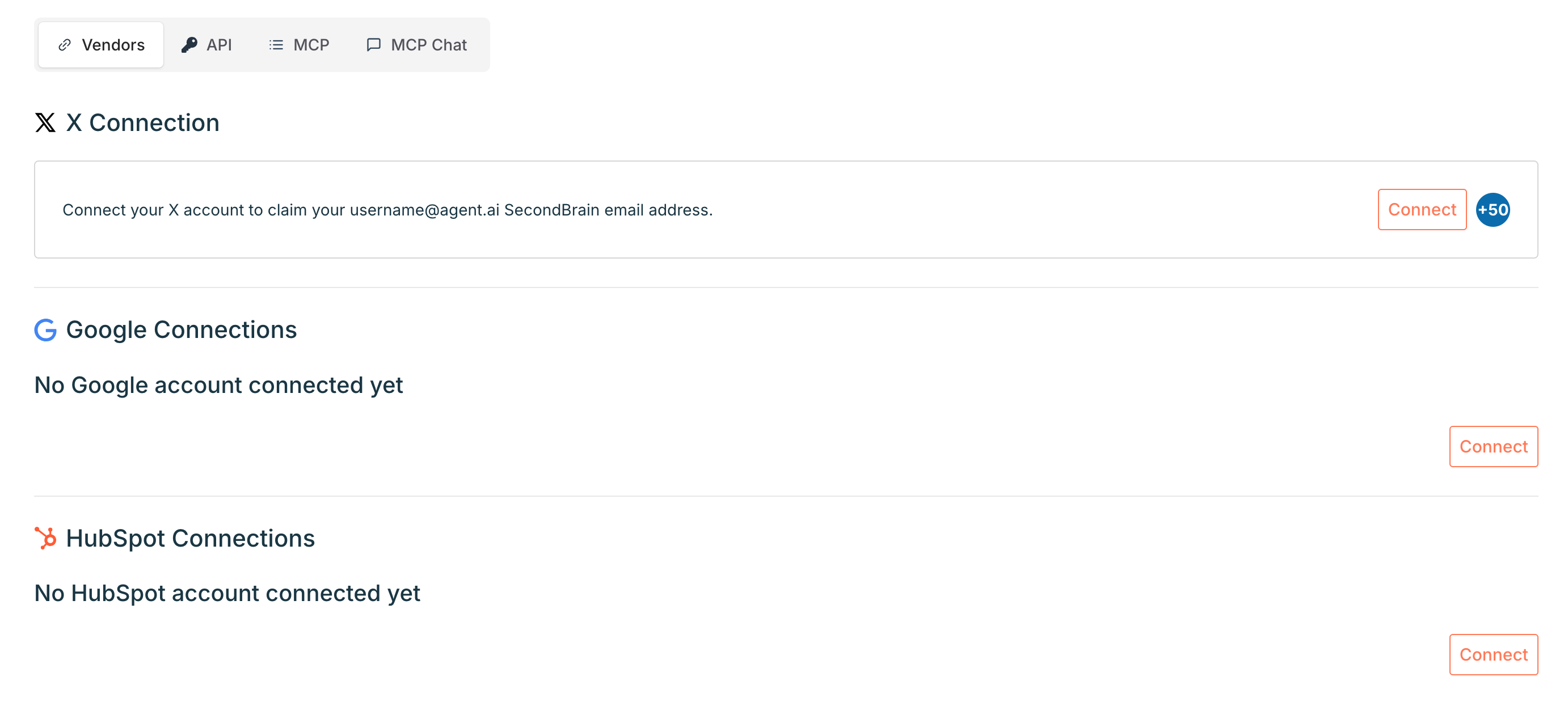
Connect third-party services like X, Google, and HubSpot to unlock agent actions powered by your own data.
From [**this page**](https://agent.ai/user/integrations#vendors), you can:
* Add, reconnect, or disconnect integrations
* Set a default account (for email or portal use)
* View agent-specific access when applicable
### **X Connection**
Connect your X (formerly Twitter) account to create a public **builder profile** and enable agents to perform X-specific actions like retrieving X accounts or posts.
* Your builder email alias will be based on your handle (e.g. [**yourhandle@agent.ai**](mailto:yourhandle@agent.ai))
* Click **Reconnect** or **Disconnect** to manage access
### **Google Connections**
Connect your Google account to enable agents to perform actions like creating Google Docs.
* Add multiple accounts and set a **default email**
* Click **Connect More Accounts** to add others
* Use **Reconnect** or **Disconnect** as needed
### **HubSpot Connections**
Connect your HubSpot portal to enable agents to perform CRM-related actions, including working with contacts and companies. You can connect to multiple HubSpot portals and:
* Set a **default portal**
* View which agents have private access to your portal
* Click **Connect More Portals** to add additional HubSpot accounts
 ## API
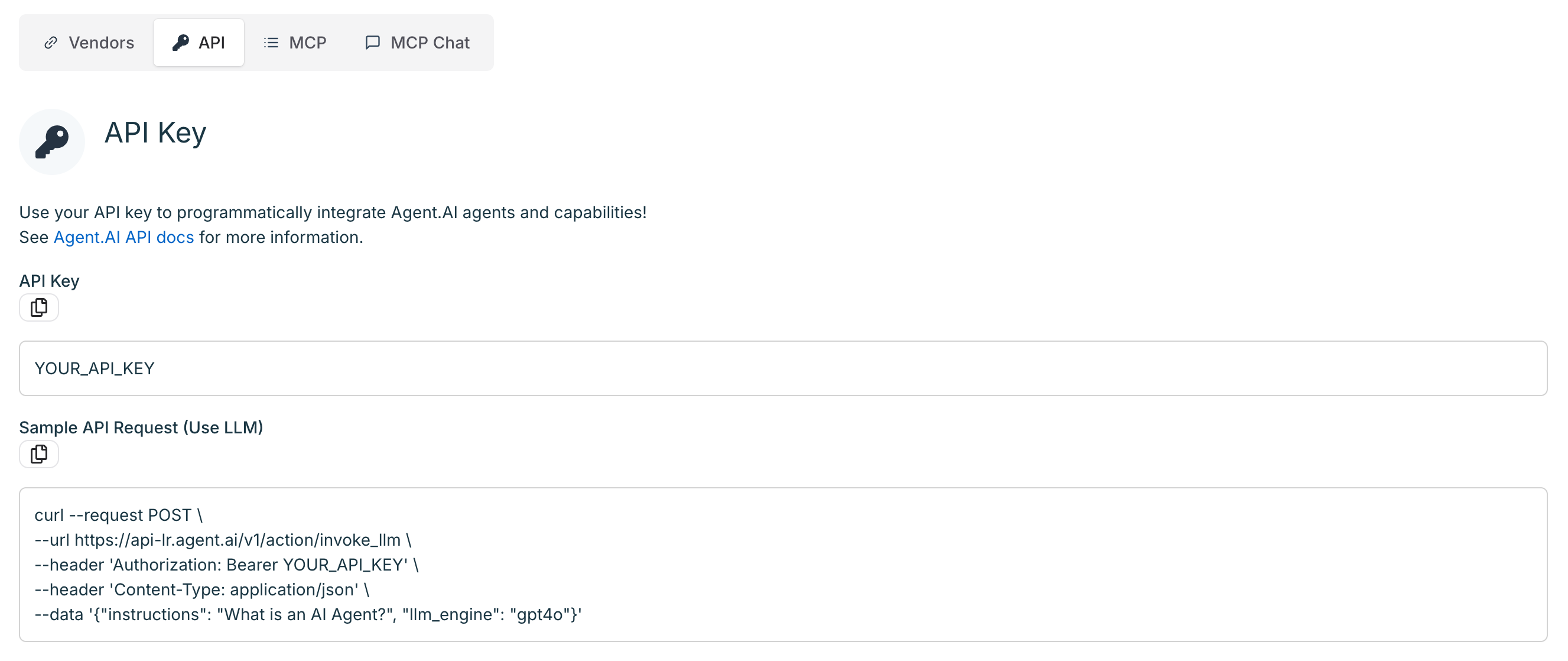
Your [API key](https://agent.ai/user/integrations#api) allows you to integrate [**Agent.ai**](http://Agent.ai) features directly into your own tools and workflows. You’ll find:
* Your **API key**
* Sample curl requests
* A link to the [**Agent.ai** API documentation](https://docs.agent.ai/welcome)
Keep your API key private. It grants access to your [**Agent.ai**](http://Agent.ai) account and credit usage—treat it like a password. Don’t share it or commit it to public repositories.
## API
Your [API key](https://agent.ai/user/integrations#api) allows you to integrate [**Agent.ai**](http://Agent.ai) features directly into your own tools and workflows. You’ll find:
* Your **API key**
* Sample curl requests
* A link to the [**Agent.ai** API documentation](https://docs.agent.ai/welcome)
Keep your API key private. It grants access to your [**Agent.ai**](http://Agent.ai) account and credit usage—treat it like a password. Don’t share it or commit it to public repositories.
 ## MCP
Use the [MCP tab](https://agent.ai/user/integrations#mcp) to configure your [Agent.ai](http://Agent.ai) MCP server and manage which agents are available to external tools that support MCP, like Claude Desktop. You can also add additional MCP servers from this page and use [Agent.ai](http://Agent.ai) as an MCP client.
### [Agent.ai](http://Agent.ai) MCP Tools Listing Settings
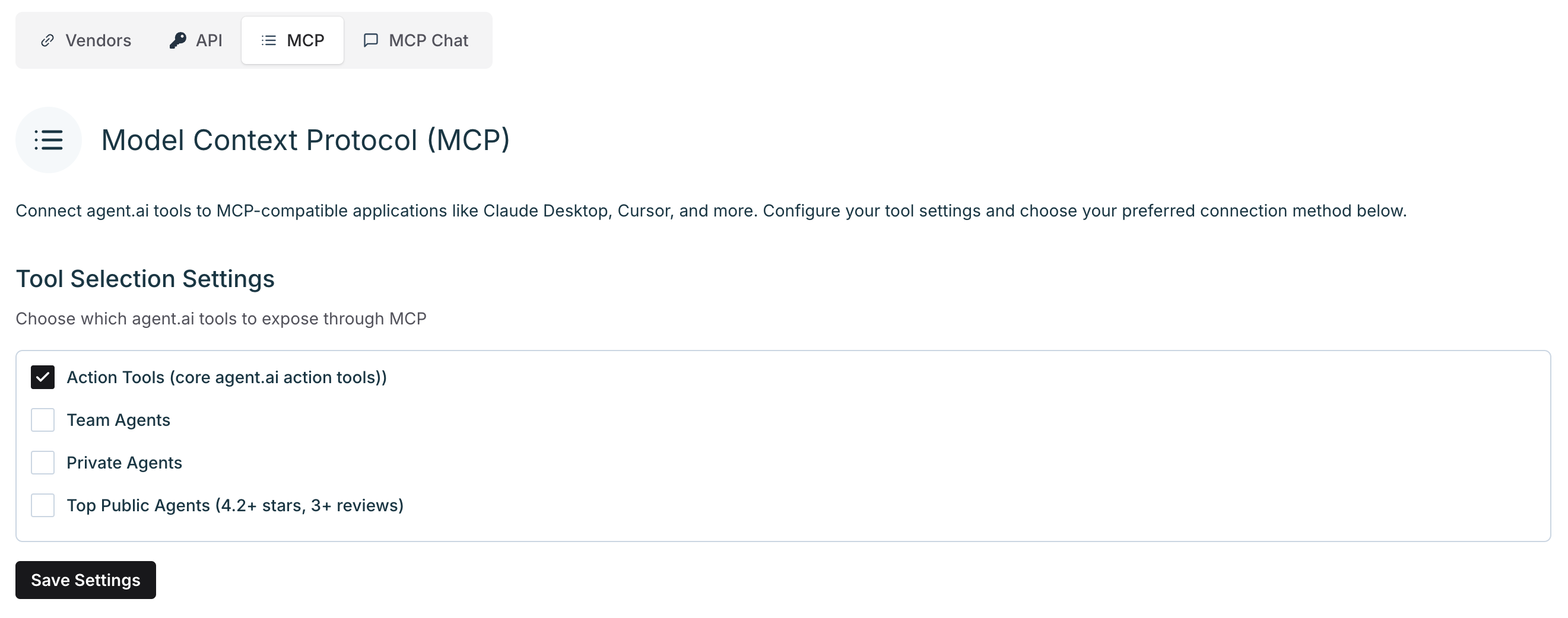
Choose which agents you’d like to expose to your MCP environment:
* **Action Agents** (default)
* My Team Agents
* Private Agents
* Top Public Agents (rating > 4.2, reviews > 3)
Check the boxes you want, then click **Save**.
## MCP
Use the [MCP tab](https://agent.ai/user/integrations#mcp) to configure your [Agent.ai](http://Agent.ai) MCP server and manage which agents are available to external tools that support MCP, like Claude Desktop. You can also add additional MCP servers from this page and use [Agent.ai](http://Agent.ai) as an MCP client.
### [Agent.ai](http://Agent.ai) MCP Tools Listing Settings
Choose which agents you’d like to expose to your MCP environment:
* **Action Agents** (default)
* My Team Agents
* Private Agents
* Top Public Agents (rating > 4.2, reviews > 3)
Check the boxes you want, then click **Save**.
 ### Connection Methods
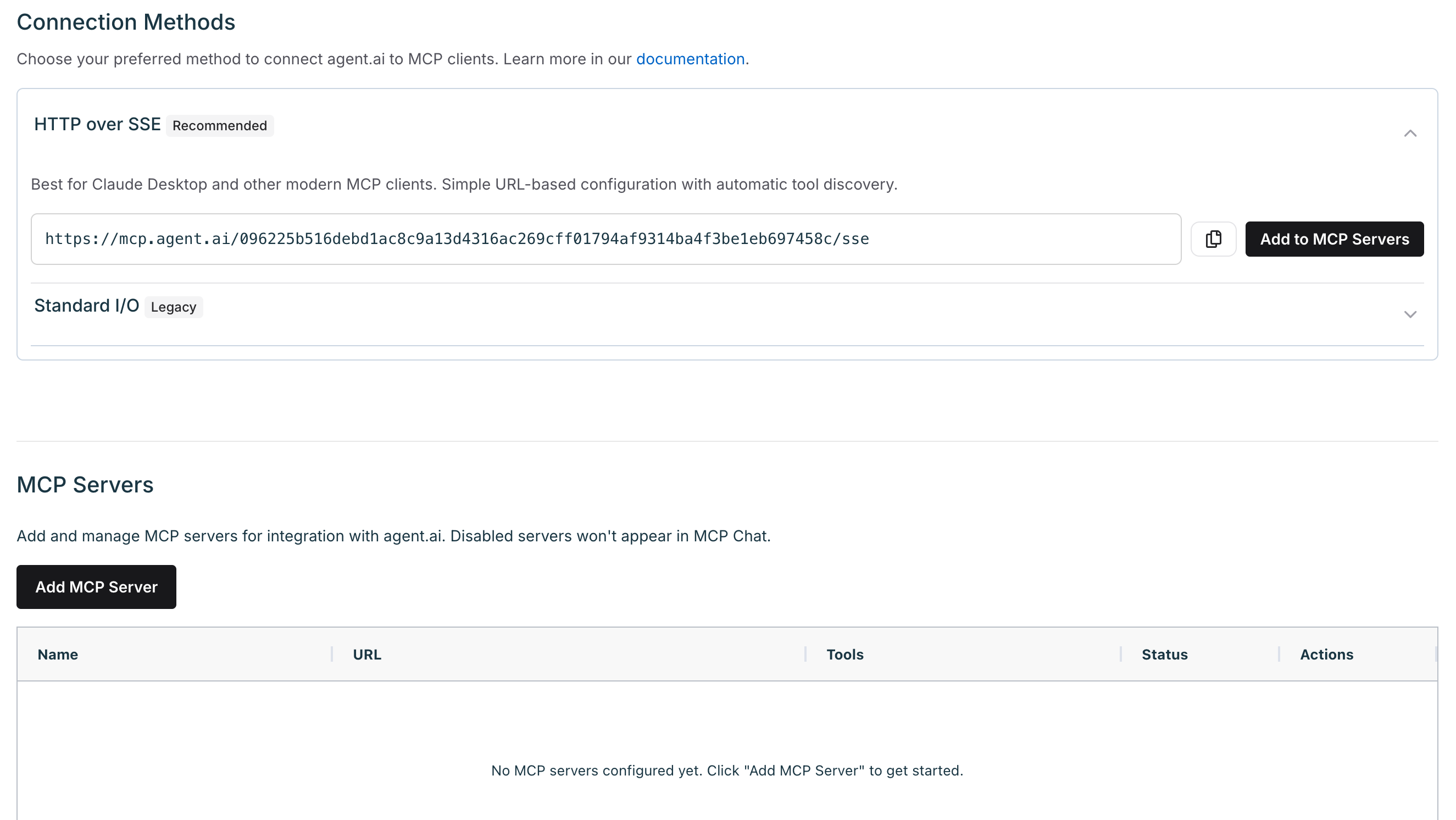
Use simple URL-based configuration to connect [Agent.ai](http://Agent.ai) to MCP clients (recommended) or use the provided config block to your MCP configuration file.
You can also add external MCP servers to use within Agent.ai (more below).
For full setup instructions, see the [**MCP Integration Guide**](https://docs.agent.ai/mcp-server).
### Connection Methods
Use simple URL-based configuration to connect [Agent.ai](http://Agent.ai) to MCP clients (recommended) or use the provided config block to your MCP configuration file.
You can also add external MCP servers to use within Agent.ai (more below).
For full setup instructions, see the [**MCP Integration Guide**](https://docs.agent.ai/mcp-server).
 ## MCP Chat
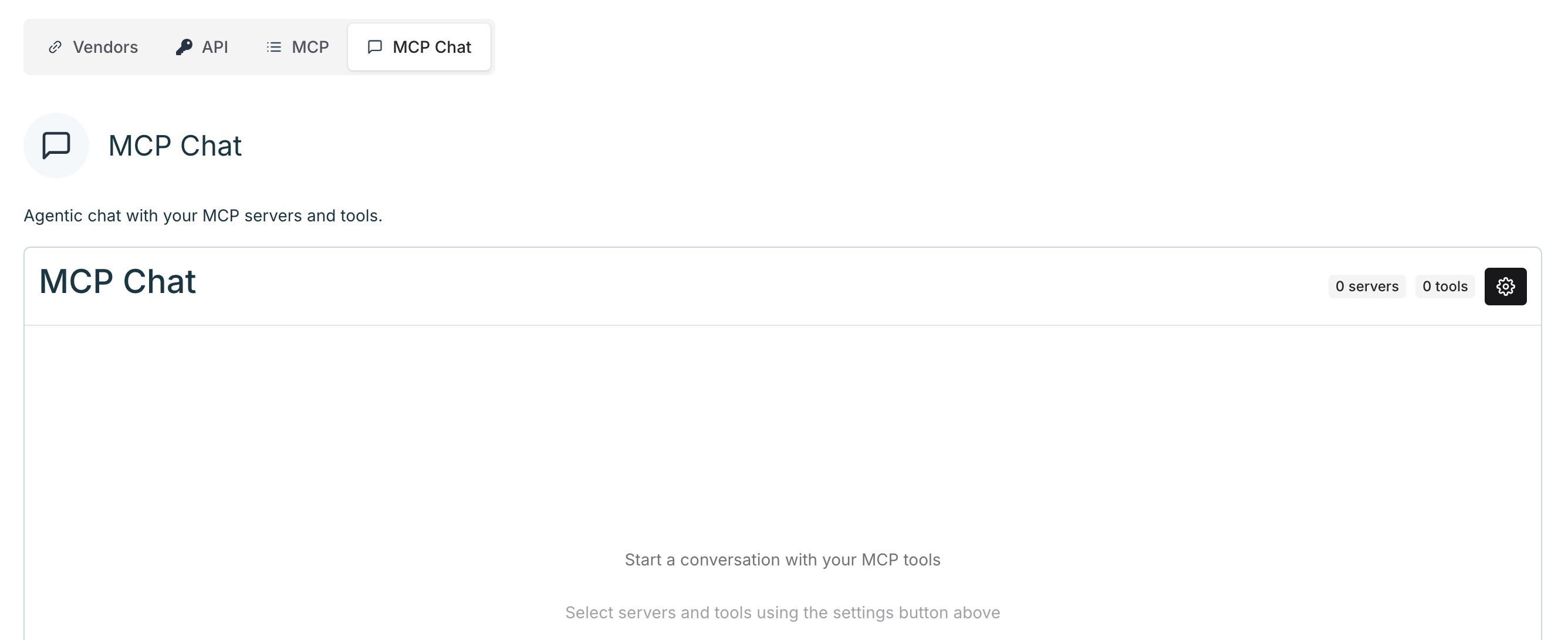
After adding MCP servers to Agent.ai, you can select them and chat with them in [MCP Chat](https://agent.ai/user/integrations#mcpchat).
## MCP Chat
After adding MCP servers to Agent.ai, you can select them and chat with them in [MCP Chat](https://agent.ai/user/integrations#mcpchat).
 Reach out to our [**support team**](https://agent.ai/feedback) if you have any questions about integrations or navigating [Agent.ai](http://Agent.ai).