> ## Documentation Index
> Fetch the complete documentation index at: https://docs.agent.ai/llms.txt
> Use this file to discover all available pages before exploring further.
# Meeting Follow-up Agent
## **What this agent does**
Create meeting summaries and follow-ups that match your style—and get smarter with every meeting.
## **When to use this agent**
Use this agent after meetings to quickly turn conversations into clear summaries, action items, and follow-up communication. It’s useful when you want to capture what was discussed, keep track of next steps, and send polished follow-up emails without doing it manually.
## **Setup**
1. Connect your calendar so the agent can access meeting details.
2. Optional customization settings can be configured in agent preferences.
3. After meetings are completed, the agent generates follow-up summaries and drafts.
## **Inputs**
* Calendar connection
* Optional customization inputs set in agent preferences
**Tips for better results**
Using the [Agent.ai](http://Agent.ai) meeting notetaker is highly recommended so the agent has full conversation context. Optional customization settings can help tailor summaries and follow-ups to your preferred style.
## **Output**
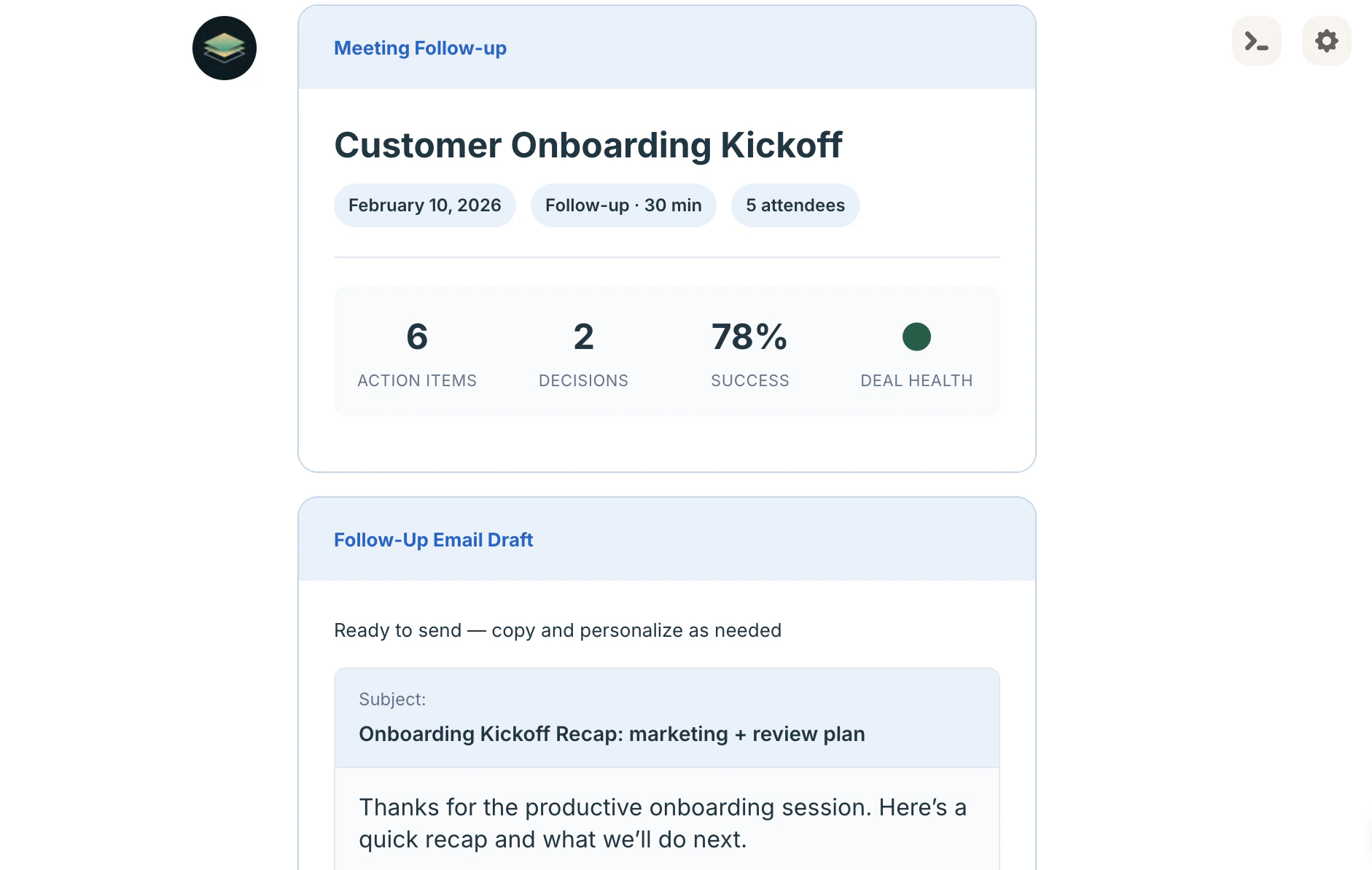 A **meeting follow-up report**, including:
* Follow-up email draft
* CRM summary notes
* Your action items
* Internal team update
* Coaching insights
Questions about the Meeting Follow-up agent? Reach out to our support team [here](https://agent.ai/feedback).
A **meeting follow-up report**, including:
* Follow-up email draft
* CRM summary notes
* Your action items
* Internal team update
* Coaching insights
Questions about the Meeting Follow-up agent? Reach out to our support team [here](https://agent.ai/feedback).