> ## Documentation Index
> Fetch the complete documentation index at: https://docs.agent.ai/llms.txt
> Use this file to discover all available pages before exploring further.
# User Settings in Agent.ai
The User Settings page lets you manage your profile details, preferences, and integrations. From notifications to API credits, this is where you control how [Agent.ai](http://Agent.ai) works for you.
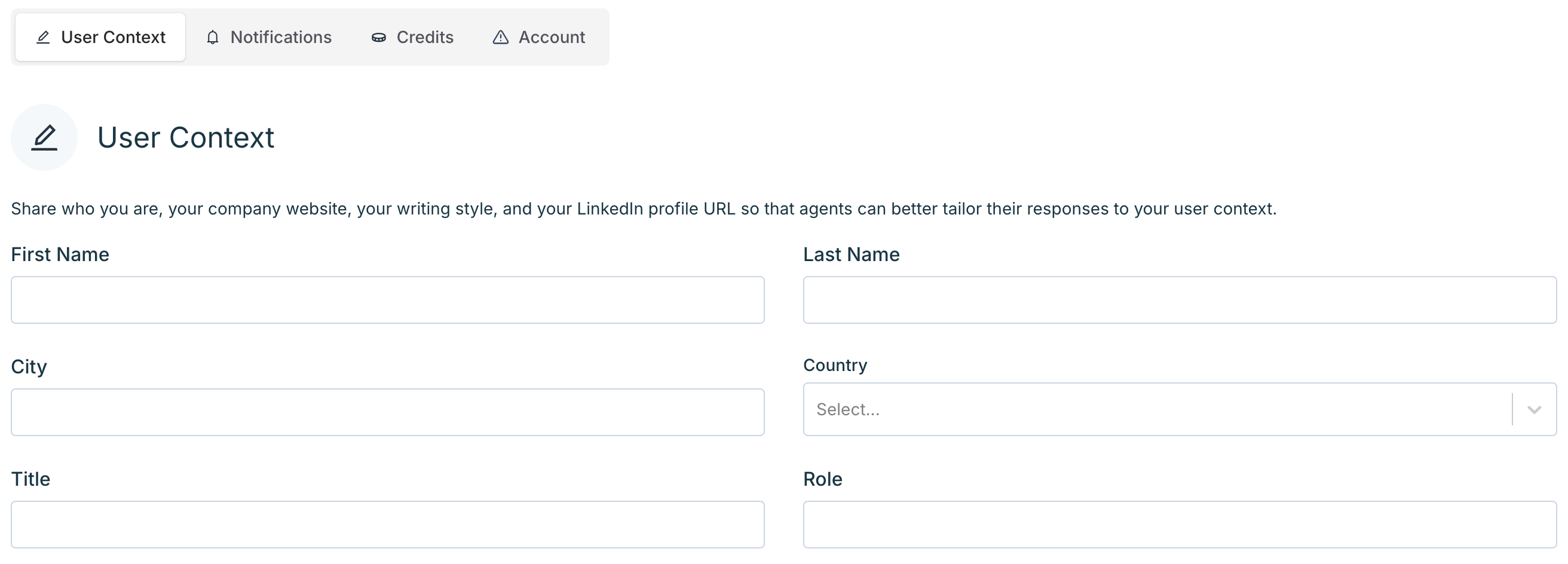
## User Context
Add basic info like your name, location, title, and role so agents can tailor their responses to your background and communication style.
To update your user context:
1. Go to **User Context** in your [profile settings](https://agent.ai/user/settings)
2. Fill out any fields you’d like agents to reference in their responses
 ## Notifications
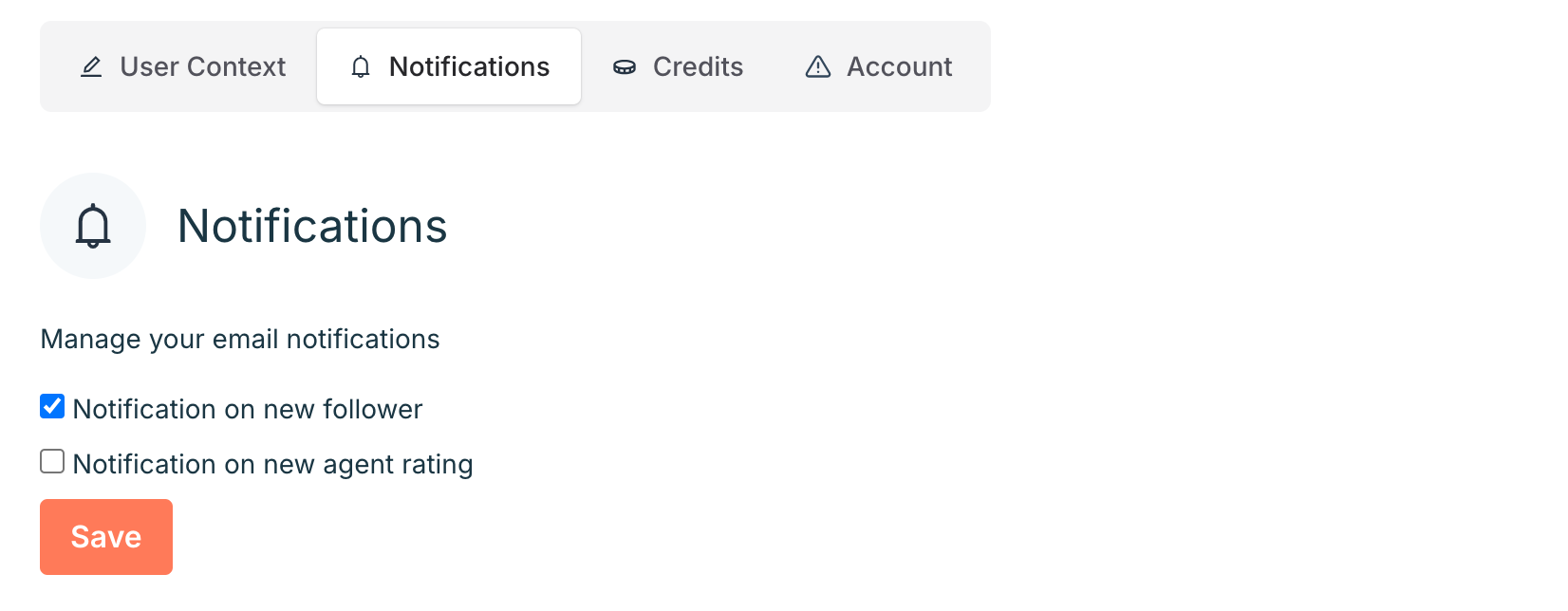
Manage when you receive email notifications from [Agent.ai](http://Agent.ai). You can choose to be notified when:
* Someone follows your profile
* One of your agents receives a new rating
To update your [notification preferences](https://agent.ai/user/settings#notifications), check or uncheck the boxes, then click **Save**.
## Notifications
Manage when you receive email notifications from [Agent.ai](http://Agent.ai). You can choose to be notified when:
* Someone follows your profile
* One of your agents receives a new rating
To update your [notification preferences](https://agent.ai/user/settings#notifications), check or uncheck the boxes, then click **Save**.
 ## Credits
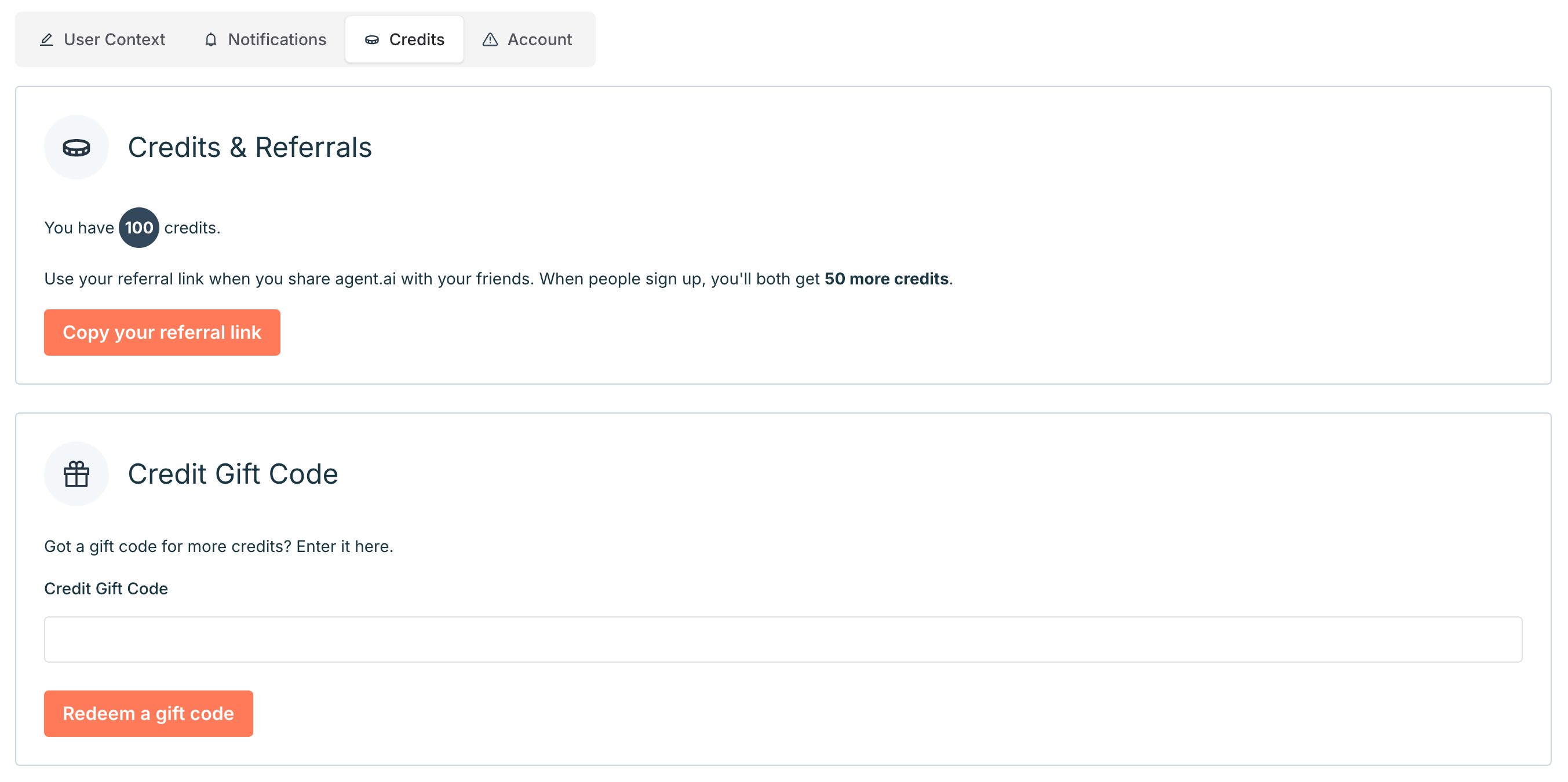
On \[this page][https://agent.ai/user/integrations#api](https://agent.ai/user/integrations#api), you can track your available credits, refer friends, and redeem gift codes.
### Credits & Referrals
* View your current credit balance
* Copy your referral link to share [Agent.ai](http://Agent.ai)—when someone signs up with your link, you both receive **50 additional credits**
### Credit Gift Code
* If you have a gift code, enter it in the field provided and click **Redeem a gift code** to add more credits to your account
## Credits
On \[this page][https://agent.ai/user/integrations#api](https://agent.ai/user/integrations#api), you can track your available credits, refer friends, and redeem gift codes.
### Credits & Referrals
* View your current credit balance
* Copy your referral link to share [Agent.ai](http://Agent.ai)—when someone signs up with your link, you both receive **50 additional credits**
### Credit Gift Code
* If you have a gift code, enter it in the field provided and click **Redeem a gift code** to add more credits to your account
 ## Account
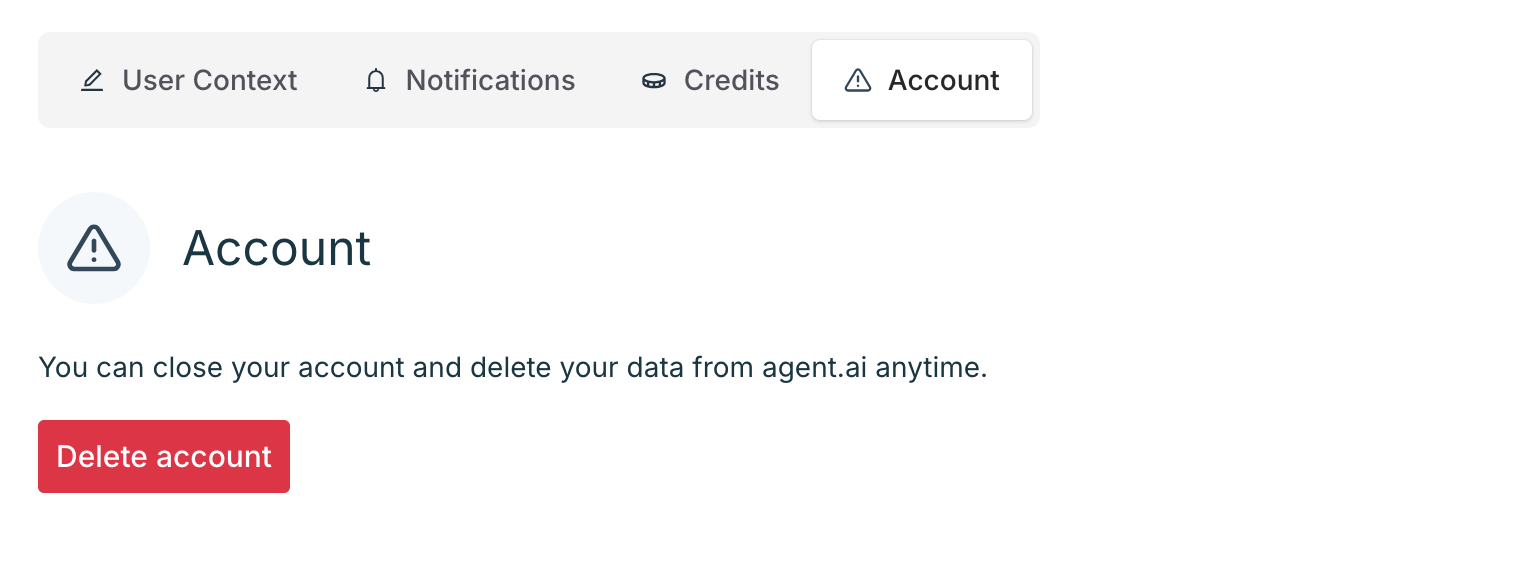
If you no longer wish to use [Agent.ai](http://Agent.ai), you can permanently delete your account and all associated data.
To delete your account:
1. Go to the [**Account tab**](https://agent.ai/user/settings#account) in your settings
2. Click **Delete account**
3. Confirm the action when prompted
This action is irreversible. All agents, data, and settings will be permanently removed.
## Account
If you no longer wish to use [Agent.ai](http://Agent.ai), you can permanently delete your account and all associated data.
To delete your account:
1. Go to the [**Account tab**](https://agent.ai/user/settings#account) in your settings
2. Click **Delete account**
3. Confirm the action when prompted
This action is irreversible. All agents, data, and settings will be permanently removed.
 Reach out to our [**support team**](https://agent.ai/feedback) if you have any questions about user settings or navigating [Agent.ai](http://Agent.ai).