

Custom Instructions are currently available on select agents, including Meeting Prep and Meeting Follow-up.
About Custom Instructions
Custom Instructions are free-text field where you describe your business or product, your target customers or ICP, your industry or market, and your preferred communication style and tone—such as casual, formal, direct, or detailed—so the agent can tailor its outputs accordingly.- Agents use this information to adjust:
- Tone
- Level of detail
- Length of responses
- Overall style and framing
Set Custom Instructions
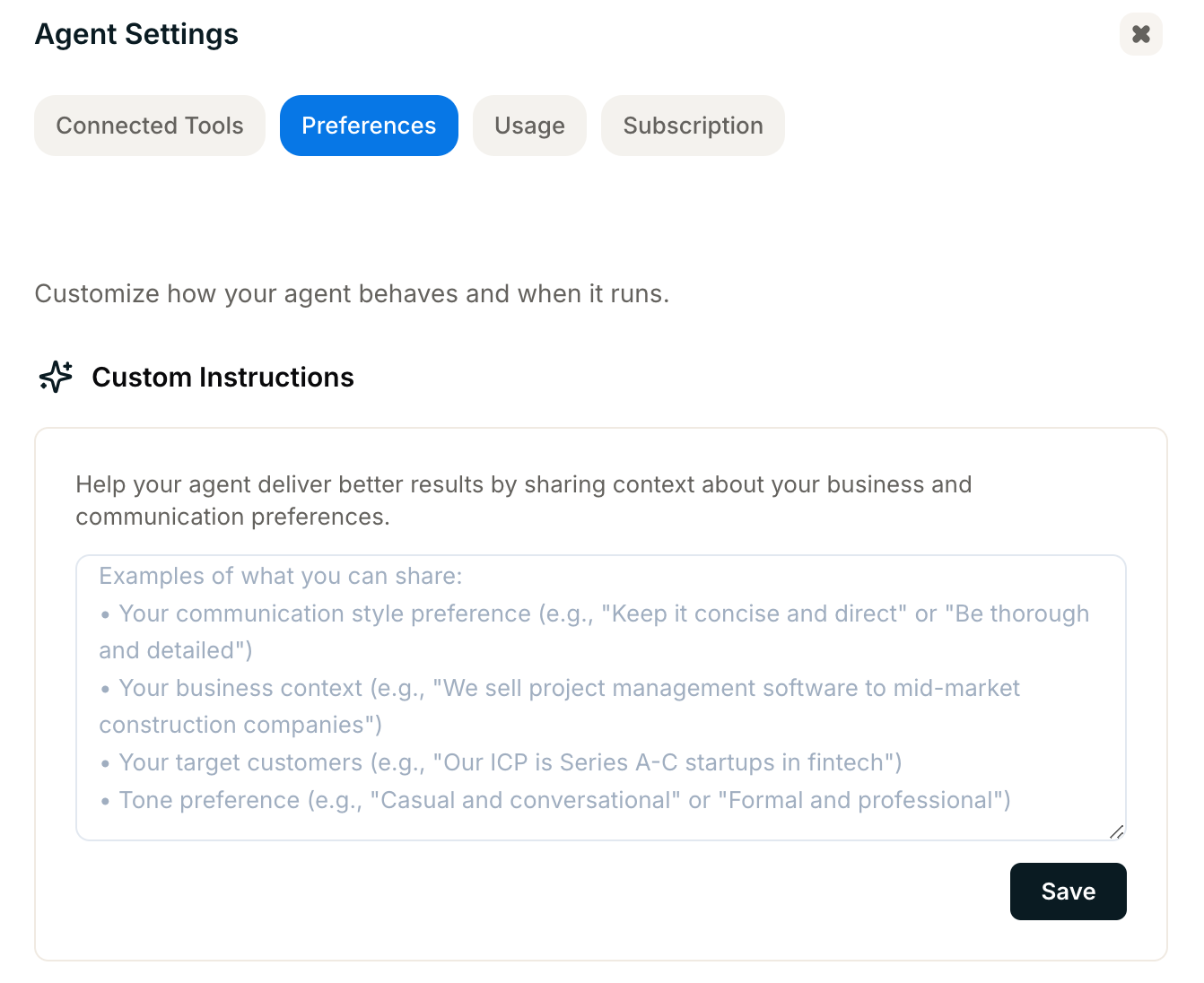
- Open a supported agent (such as Meeting Prep or Meeting Follow-up)
- Go to the agent’s Settings
- Open the Preferences tab
- Find the Custom Instructions section
- Enter your instructions in the text field
- Save your changes